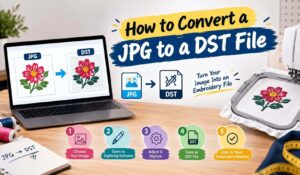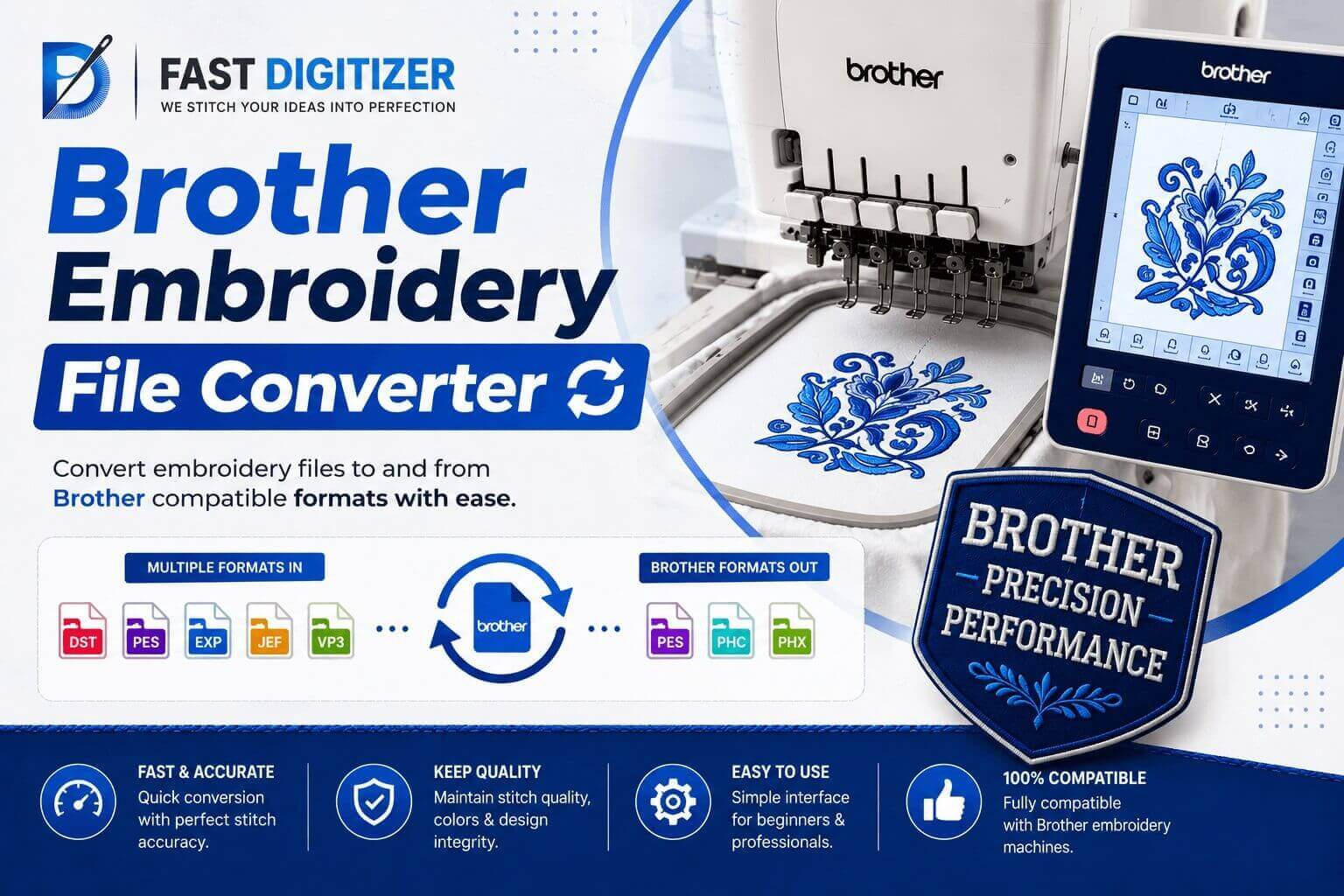
A Brother embroidery file converter changes one stitch file format into another so your machine can read it. That is all it does, and knowing that saves a lot of frustration. It will happily turn a DST into a PES. It will not turn your logo into embroidery, no matter what the website promises. This guide covers what actually converts, what does not, and which free tools are worth your time.
Quick answer
Brother machines use PES. A converter rewrites an existing stitch file, such as DST or EXP, into PES so the machine can read it. Converting between stitch formats works well. Converting an image file such as JPG or PNG is not conversion at all, it is digitizing, and no automatic tool does it properly.
What A Brother Embroidery File Converter Actually Does
Here is what a Brother embroidery file converter is really working with. Every stitch file holds the same underlying thing: a list of needle movements plus machine commands like trim, jump and colour change. Formats differ in how they wrap that list, not in what the list is.
So conversion is a rewriting job. The tool reads the movements out of one wrapper and writes them into another. Nothing about the design changes, because someone already decided those stitches during digitizing.
That is why converting DST to PES works reliably, and why converting a photograph does not. In the first case the stitches exist. In the second they have never existed.
What File Format Does Brother Embroidery Use?
PES is the answer, and it is the format to ask any supplier for. Brother developed it for its own machines, and Bernina uses it as well.
PES is more layered than most people realise. Each file carries two separate parts. One section holds design information for Brother’s PE-Design software. The other, called PEC, holds the design name, the colours, the machine commands and the preview graphic, and that part is what your machine actually reads.
That PEC block has stayed consistent across format versions so older hardware keeps working, which is why a file written years ago still loads today. If you want the byte level detail, the community maintained libpes documentation of the PES format is the clearest reference available.
Which Files Your Brother Machine Can Read
PES is the safe answer for home and prosumer Brother machines. Many models also read PEC directly, and some handle PHC. Check your manual rather than assuming, because support varies by model and by year more than people expect.
What your machine will not do is read DST natively on most home models. DST serves as the commercial standard, which Tajima, Barudan and similar multi needle machines expect. If a digitizer sends you DST and you run a Brother, you need a conversion step before it will load.
Ask your digitizer for PES upfront and the problem disappears. A decent studio sends several formats without being asked twice.
Free Brother Embroidery File Converter Options
You do not need to pay for a Brother embroidery file converter. Free tools genuinely work for stitch to stitch conversion. This is the one part of embroidery software where you do not need to spend money.
Ink/Stitch is free and open source, runs inside Inkscape, and reads and writes real machine files including PES and DST. Browser based converters and Google Workspace add ons also exist that open PES, DST, EXP, JEF, VP3 and PEC and export between them.
Two cautions. First, upload anything client owned only to a tool you trust, since you are handing over their artwork. Second, always open the converted file in a viewer before you stitch it, because a converter that silently drops a colour change will not tell you.
Where Every Brother Embroidery File Converter Fails
Even a good Brother embroidery file converter has limits, and three things go wrong often enough to plan around.
- Colours vanish. DST stores no thread colours at all, only stitches and commands. Convert DST to PES and the software assigns colours from a default palette. Reassign them from the original colour sheet or the design comes out wrong.
- Resizing does not rescale density. Converting does not change stitch spacing. Scale a converted design up much and gaps open. Scale it down and it turns into a brick.
- Special commands go missing. Applique stops, sequin commands and machine specific instructions do not always survive the trip. Check anything with a manual stop after conversion.
None of these are bugs. They are the honest limits of moving data between formats that never held the same information in the first place.
Can You Convert A JPG To PES?
No Brother embroidery file converter can do this, and it is where most money gets wasted. A JPG holds pixels. A PES holds needle movements. There is no mathematical route from one to the other, so nothing is being converted.
Plenty of sites advertise instant JPG to PES conversion. One embroiderer on the Adobe forums described trying several and finding them all unusable, then discovering that the one service producing decent results was doing the work by hand and had told him instant conversion simply is not possible. That matches what anyone in production will tell you.
What actually happens is digitizing. A person rebuilds the artwork as stitch objects, sets density, underlay and sequence, then exports PES. Our guide on how to convert a JPG into an embroidery file covers what that involves, and digitizing images for embroidery explains what artwork makes it easy.
How To Get The File Onto Your Machine
Once you have a working PES, transfer is the easy part.
Format a USB stick as FAT32, since many Brother machines refuse exFAT. Put the PES file in the root folder rather than three levels deep, because some models only look at the top level. Keep the filename short and plain, using letters, numbers and underscores only.
If the machine cannot see the file, the cause is almost always one of those three rather than the file itself. Newer models also accept a direct cable or wireless transfer, which sidesteps the whole issue.
Brother Embroidery File Converter Or Digitizing?
One test settles it. Do stitches already exist?
If someone has already digitized the design and you just have the wrong format, use a converter. It takes seconds and costs nothing. If all you have is a logo, a photo or a drawing, no converter will help, because there is nothing to convert yet.
Major size changes fall on the same side. A file digitized for a four inch left chest does not become a jacket back by scaling it. Density and underlay suit the original size only, so the design needs rebuilding. Our note on how to digitize a logo for embroidery walks through those decisions.
At Fast Digitizer, digitizing starts at $9 and turnaround is ASAP. Files arrive in PES plus DST, JEF, EXP and VP3, along with a worksheet listing stitch count, colour sequence and finished size, so you never need to convert anything yourself. Our custom embroidery digitizing page covers applique, puff and cap work.
Converter did not work?
Send us the artwork and your machine model. We will send back a PES that loads first time.
Frequently Asked Questions
How do I convert files to my Brother embroidery machine?
Open the existing stitch file in a converter such as Ink/Stitch or a browser based tool, export it as PES, then check it in a viewer before stitching. Copy it to the root folder of a FAT32 USB stick. If the file is an image rather than a stitch file, conversion will not work and you need digitizing instead.
Can I convert jpg to pes embroidery file?
Not by conversion. A JPG holds pixels and a PES holds needle movements, so there is nothing to translate. Sites advertising instant results either produce unusable output or quietly have a person do the work. Getting it digitized properly is the only route to a file that sews cleanly.
What files are compatible with a Brother embroidery machine?
PES is the main one, and many models also read PEC, with some handling PHC. Support varies by model, so check your manual. DST usually needs converting first, since it is the commercial standard rather than a Brother format.
Is there a free online embroidery file converter available?
Yes. Ink/Stitch is free and open source and handles PES and DST among others. Browser based converters and Google Workspace add ons also open PES, DST, EXP, JEF, VP3 and PEC. Free tools are fine for stitch to stitch work, though avoid uploading confidential client artwork to unknown sites.
What file format does Brother embroidery use?
PES. It carries two parts internally: a PES section holding design data for Brother’s PE-Design software, and a PEC section holding the design name, colours, machine commands and preview image. The PEC part is what the machine reads, and it has stayed backwards compatible across versions.
Is a Brother embroidery file converter safe to use?
For your own designs, yes. Reputable tools do not damage the original file. Two things to watch: check the converted file in a viewer before stitching, and think twice before uploading a client’s logo to a free site you know nothing about, since you are handing over their artwork.
About Fast Digitizer. We are a Chicago based studio digitizing logos, caps, applique, puff and chenille designs for embroiderers across the United States. Our team builds every file by hand and delivers it in every format your machine needs. See our full range of professional embroidery digitizing services or send your artwork for a free quote.